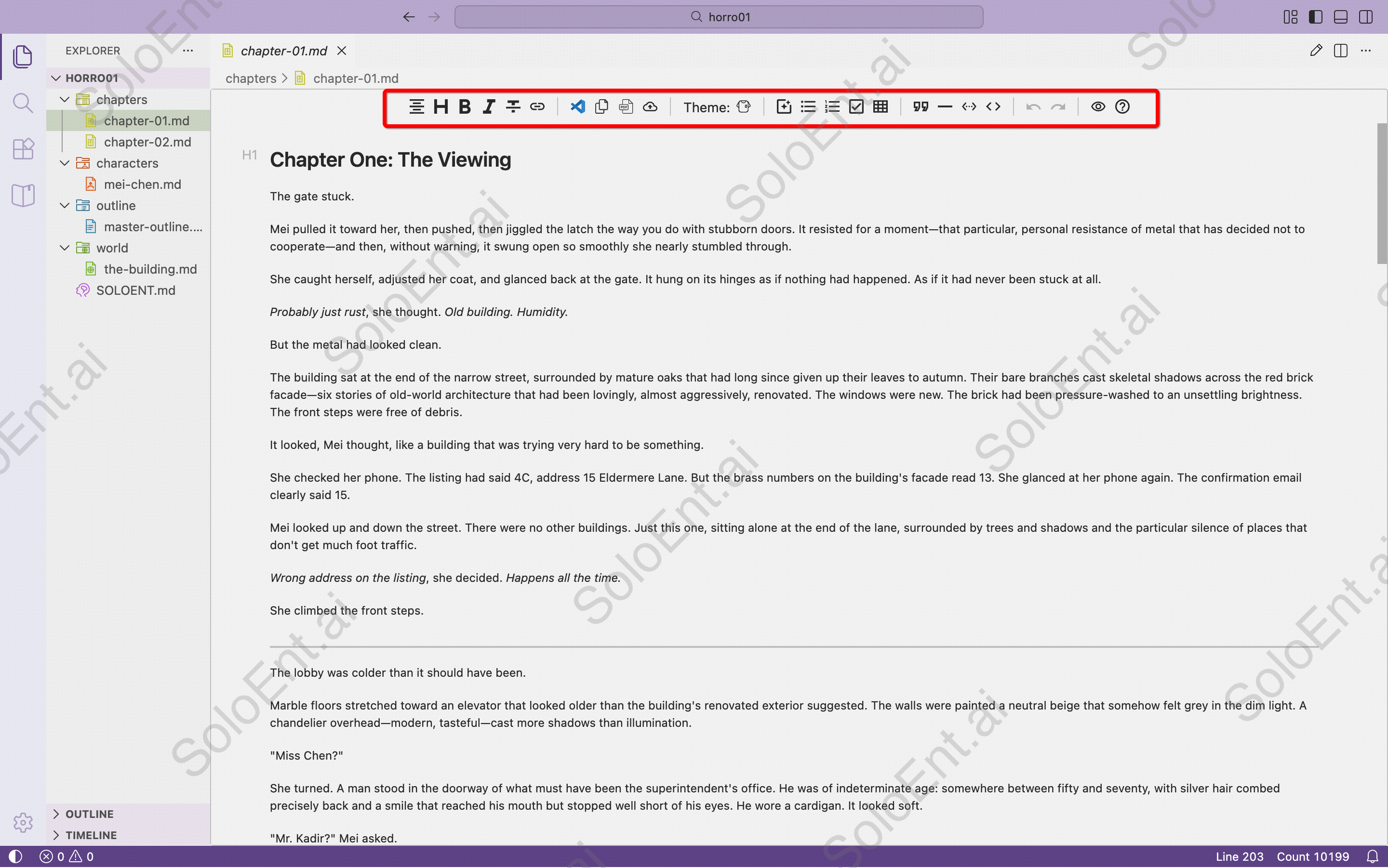
Other file formats may need to be converted to Markdown first. See file format conversion.
Markdown syntax
The Markdown editor supports standard syntax for text styling, which you can preview in preview mode. For detailed syntax reference, see Markdown common syntax.Common formatting
| Style | Syntax | Result |
|---|---|---|
| Bold | **bold** | bold |
| Italic | _italic_ | italic |
| Strikethrough | ~strikethrough~ | |
| Code | `code` | code |
Preview mode
Click the preview button in the top-right corner of the editor to view your document.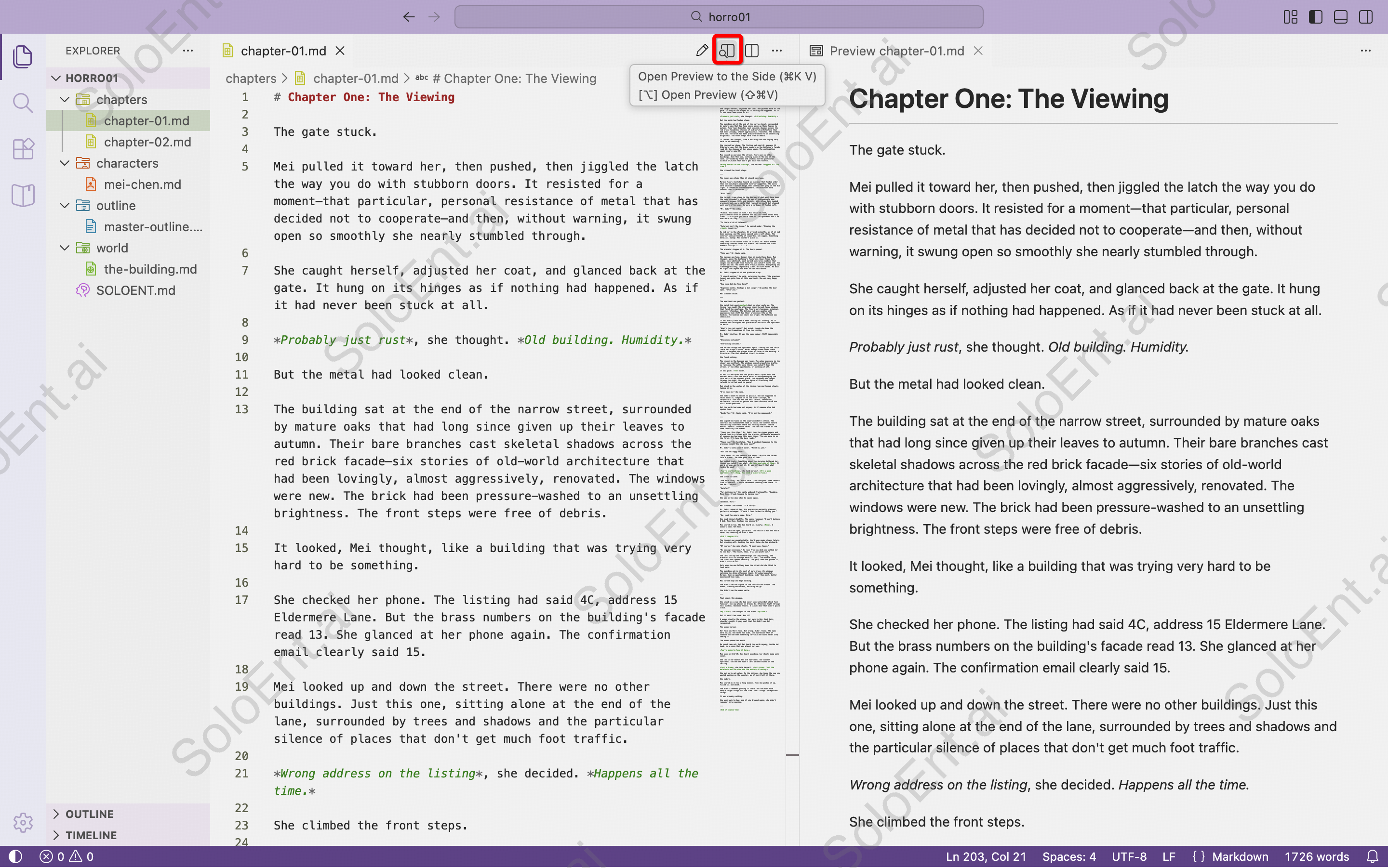
Split view
Click the split view button in the top-right corner of the editor to enable multi-pane display.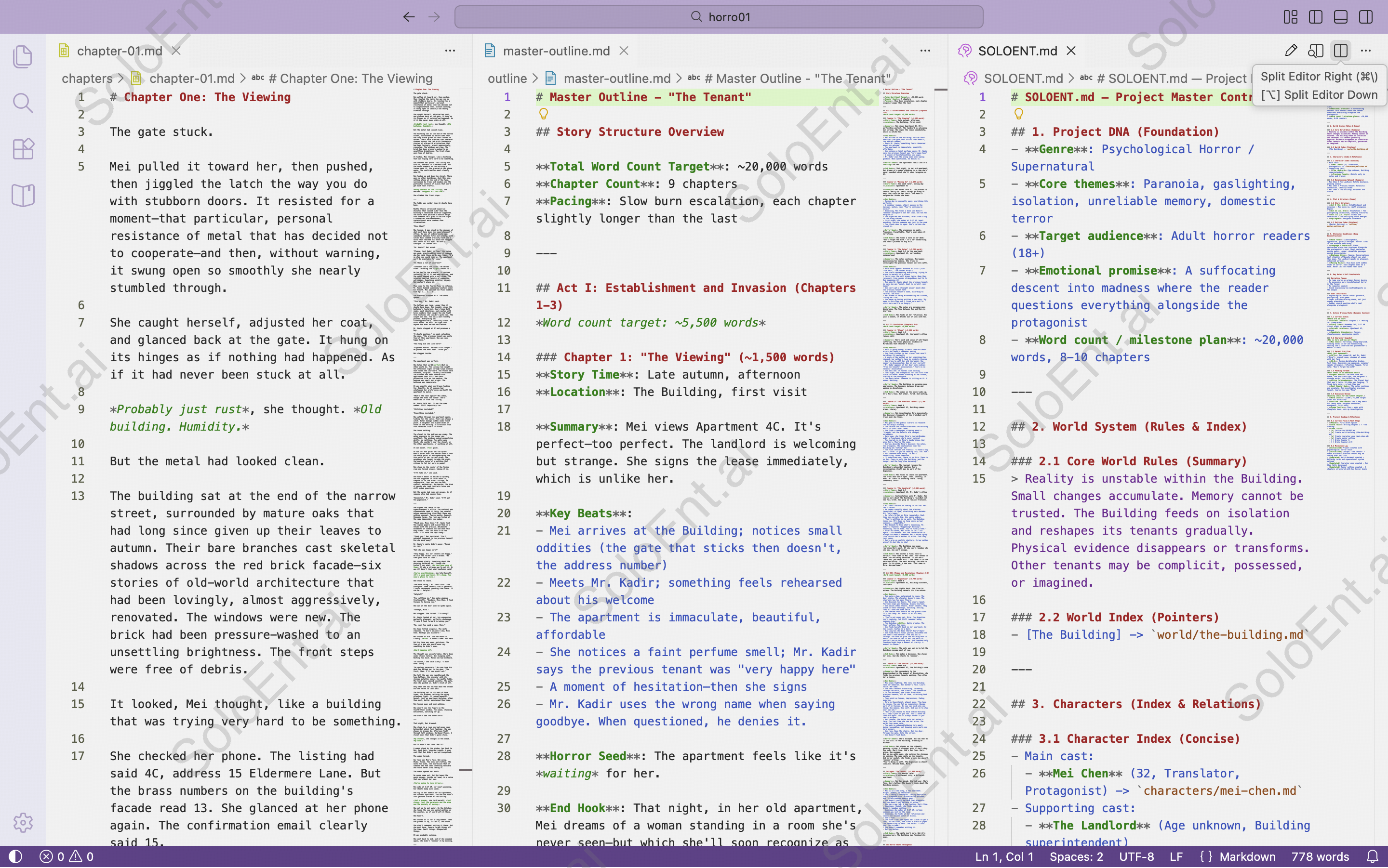
Office plugin
Users accustomed to Microsoft Word can install the “Office Viewer” plugin in SoloEnt for an Office-like editing experience.